Text to image generation
Turn a written creative brief into a finished visual. The ChatGPT Images generator understands subject, style, camera angle, lighting, background, aspect ratio, and output format in one prompt.
ChatGPT Images 2.0 Generator
The ChatGPT Images 2.0 generator helps marketers, designers, creators, and founders create realistic AI photos, product shots, concept art, thumbnails, and campaign visuals from a clear text prompt. Start with free credits, refine your result, and export images without a watermark.
Capabilities
A good image generator page should show more than a blank text box. This page explains the practical controls behind ChatGPT Images 2.0 and the production cases it is built for.
Turn a written creative brief into a finished visual. The ChatGPT Images generator understands subject, style, camera angle, lighting, background, aspect ratio, and output format in one prompt.
Start with a rough reference image, product mockup, sketch, or prior generation. Describe the transformation and keep the workflow inside one ChatGPT Images session instead of switching tools.
Choose fast drafts for exploration or high detail output for campaign assets. Higher resolution is useful when a result will be cropped, printed, or reused across multiple placements.
Generated images are private by default and can be used in client work, ads, product pages, social posts, presentations, and editorial layouts without visible watermarks.
Examples
The same ChatGPT Images workflow can produce polished visuals for ads, product launches, editorial layouts, concept boards, social channels, and presentation decks.
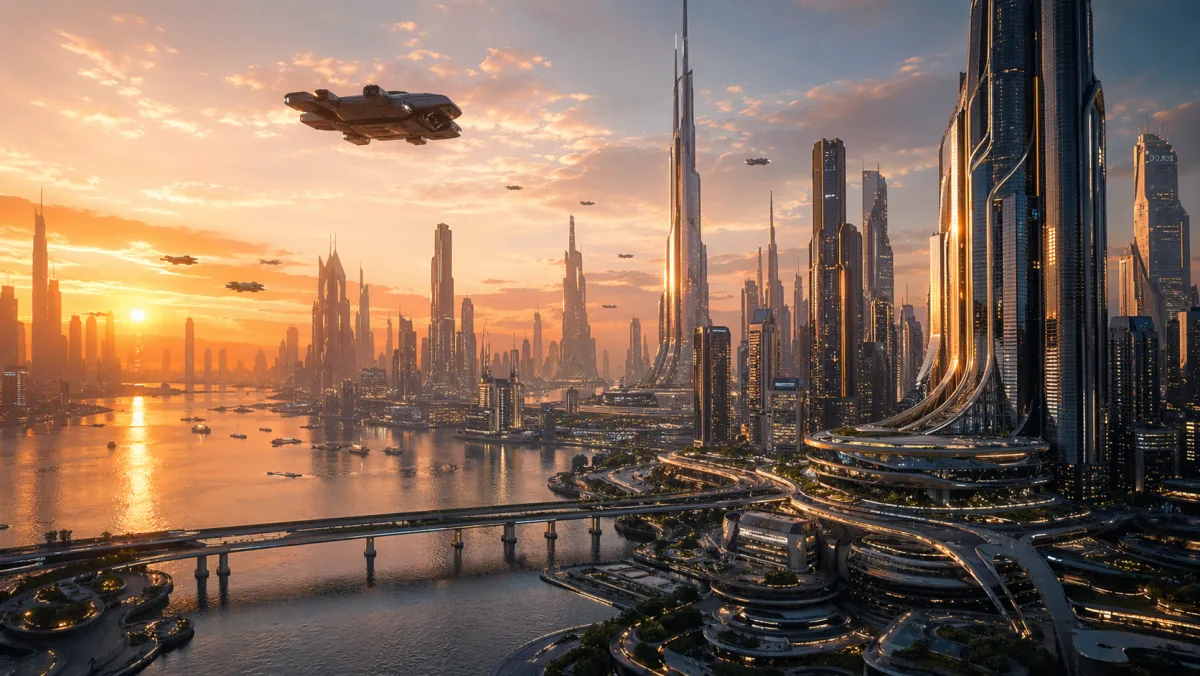
A futuristic city at sunset with golden light, glass towers, flying vehicles, cinematic wide shot, photorealistic detail.
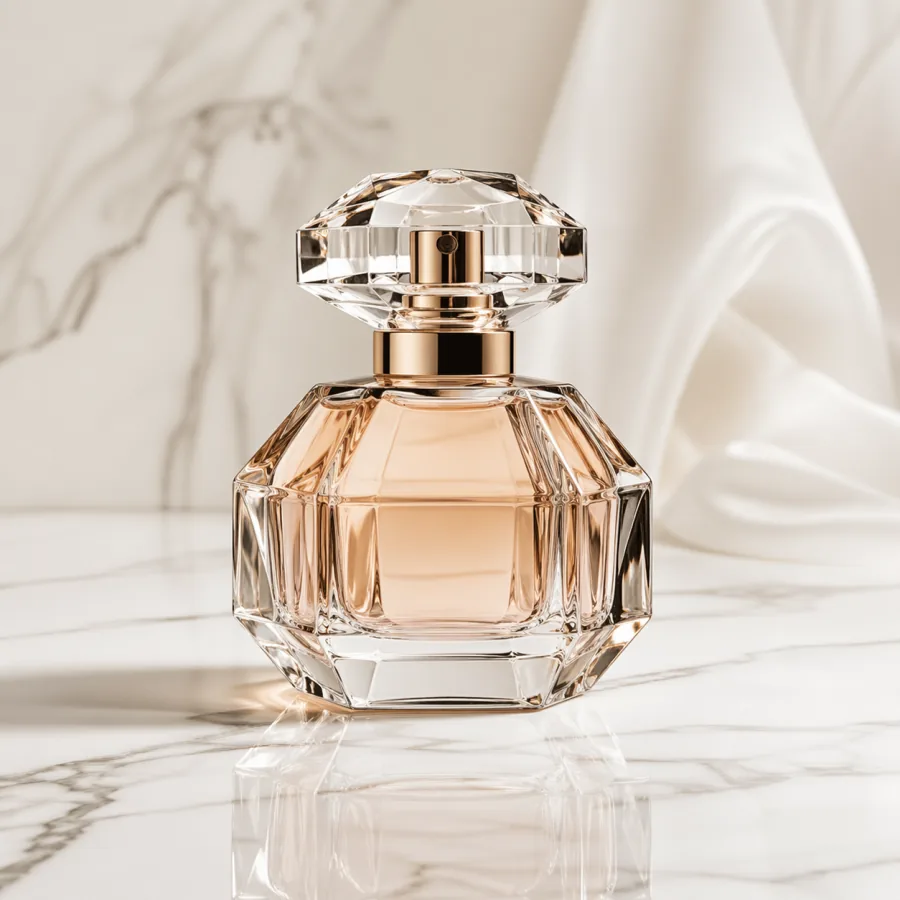
Luxury perfume bottle on white marble, soft studio light, clean commercial product photography, perfect reflection.
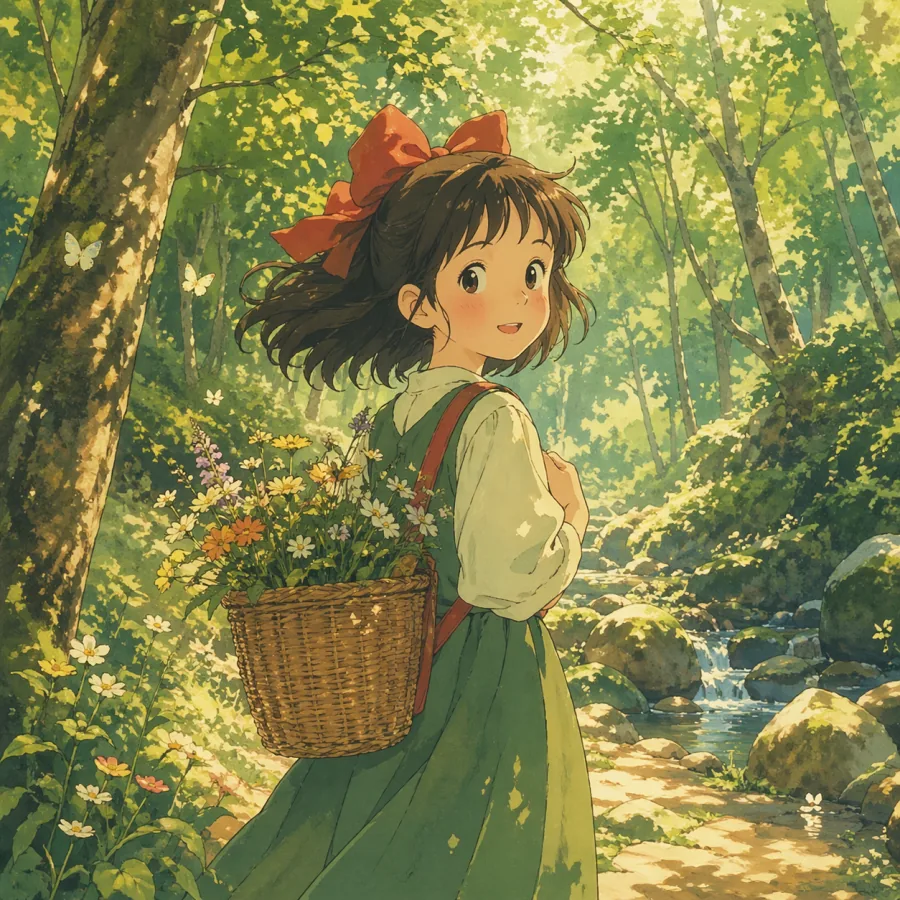
Anime style girl in a sunlit forest, soft watercolor tones, detailed background, warm magical atmosphere.
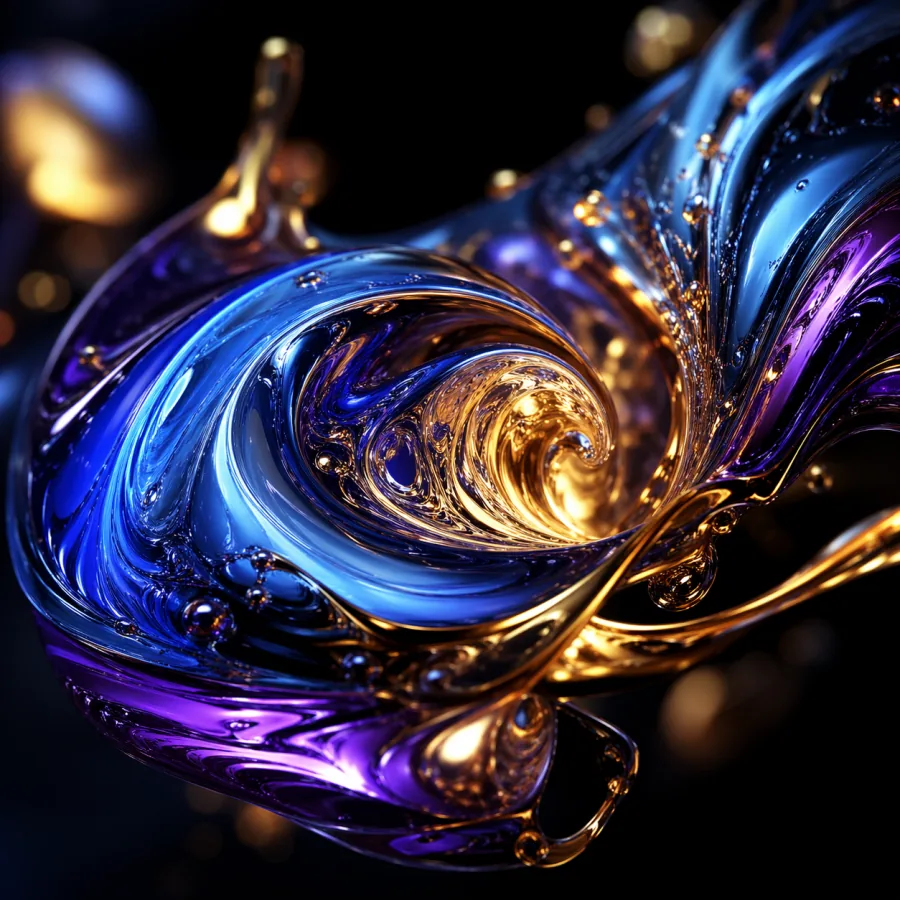
Flowing liquid metal in blue, purple, and gold, dark background, macro detail, high contrast generative art.
Workflow
The generator is most useful when it becomes a repeatable creative workflow. Treat each prompt as a brief, each output as a draft, and each revision as a controlled iteration.
Start with the subject and purpose, then add camera framing, lighting, style, mood, and output size. The best ChatGPT Images prompts read like a short art direction note.
Pick square, portrait, landscape, or widescreen formats depending on where the image will be used. Select lower resolution for drafts and higher resolution for final production assets.
Create a first result, review what worked, then adjust the prompt. Change one variable at a time: lighting, background, lens, subject pose, color palette, or product placement.
Use the final image in ads, landing pages, thumbnails, mockups, or client decks. Keep prompt notes with each export so the look can be recreated later.
Specs
ChatGPT Images 2.0 is designed for quick drafting and high quality final exports. Use lower cost generations to explore direction, then move to higher detail settings once the creative concept is locked.
Compare credit costsText to image, image to image, reference guided editing
Square, portrait, landscape, widescreen, social placements
1K medium, 1K high, 2K medium, 2K high, 4K output
Marketing visuals, product shots, concept art, thumbnails, blog images
Personal and commercial use, no visible watermark
Credit packs with no monthly subscription
Prompting
Better prompts are not longer by default. They are more specific about the visual job, the intended output channel, and the constraints that matter for the final asset.
A prompt for a YouTube thumbnail should not read like a fine art prompt. Say the channel, layout, subject scale, background contrast, and text safe area before adding style notes.
Words like macro lens, shallow depth of field, softbox lighting, rim light, golden hour, overhead product shot, or dramatic split lighting give the generator clearer visual constraints.
Combining watercolor, cinematic, cyberpunk, clay render, editorial fashion, and oil painting in one request weakens direction. Pick one primary style and one supporting texture.
When a result is close, keep the useful parts and rewrite only the weak part. For example: keep the same bottle angle, make the background warmer, remove extra props, add softer reflection.
Production QA
The strongest results come from a clear brief and a review loop. Use this checklist before spending credits on final assets for paid campaigns, client work, or launch pages. It helps teams separate visual exploration from final approval, control cost, and keep every usable image tied to a repeatable production decision. It also gives reviewers shared language for feedback before final approval.
A banner, thumbnail, product detail image, and hero background have different visual jobs. Decide where the result will live before generating. For a hero background, leave quiet space for text and buttons. For a product card, keep the subject centered with clean edges. For a thumbnail, push contrast and subject scale so the image remains readable at small sizes. This planning step prevents attractive images that are hard to use in a real layout.
Once a result has the right subject and composition, do not restart with a completely different prompt. Keep the same core phrase and generate focused variations: warmer lighting, tighter crop, cleaner background, more premium material, softer shadow, less clutter, or stronger color contrast. Teams get better assets when they treat generation like a design review loop instead of a slot machine.
Review faces, hands, logos, small text, product edges, reflections, and background objects at full size. If an image will be used in advertising or client work, inspect the corners and secondary details as closely as the main subject. The generator can produce strong compositions quickly, but production teams should still approve the final asset with the same care used for stock photography or a retouched shoot.
Save the prompt, aspect ratio, resolution, and selected output for every asset that reaches review. This makes a campaign easier to extend later because another designer can reproduce the same visual system. A lightweight naming rule also helps: project, channel, concept, version, and final status. Organization matters once a single landing page grows into ads, emails, social posts, and sales decks.
Early exploration does not need the most expensive output every time. Use draft quality while comparing concepts, crops, subjects, and art direction. Move to high detail only when the team agrees on the visual route. This keeps credit use predictable and gives reviewers more options before the final production pass.
Many assets need room for headlines, price badges, callouts, or interface overlays after generation. Ask for cleaner margins, simpler backgrounds, and subject placement that leaves space for layout work. A useful final image is not always the busiest image; it is the one that fits the design system without fighting the surrounding text.
Pricing
New users get 12 credits for testing ChatGPT Images. After that, credit packs work better than a forced subscription for occasional design tasks, campaign sprints, and client projects with uneven demand.
$9.9
400 credits
Perfect for trying out ChatGPT Images 2.0
$29.9
1300 credits
Great for regular creators
$99.9
5000 credits
Best value for power users and teams
FAQ
These answers cover the common decisions teams make before adding ChatGPT Images to a visual production workflow.
Yes. The generator turns text prompts into AI images, including realistic photography, product images, concept art, anime style work, abstract graphics, and social media visuals.
Yes. Image to image mode lets you upload a rough reference, sketch, product photo, or existing design and describe how ChatGPT Images should transform it.
A strong prompt includes the subject, style, lighting, composition, camera view, background, mood, and intended use. Short prompts work, but structured prompts give more reliable results.
Yes. Images made with ChatGPT Images can be used for marketing, client work, product pages, thumbnails, ads, presentations, and other commercial projects.
New accounts receive 12 free credits. That is enough to test the workflow before buying a credit pack for regular production use.
Open the generator, write a focused prompt, and create your first set of AI images for a campaign, product concept, article, thumbnail, or design presentation.
Create images free